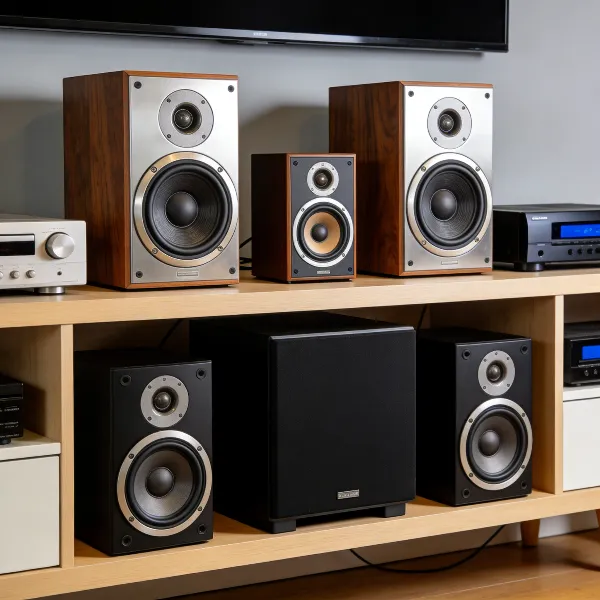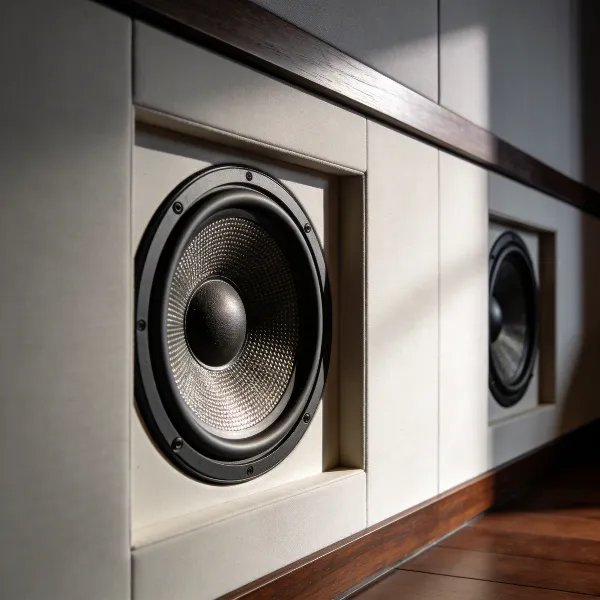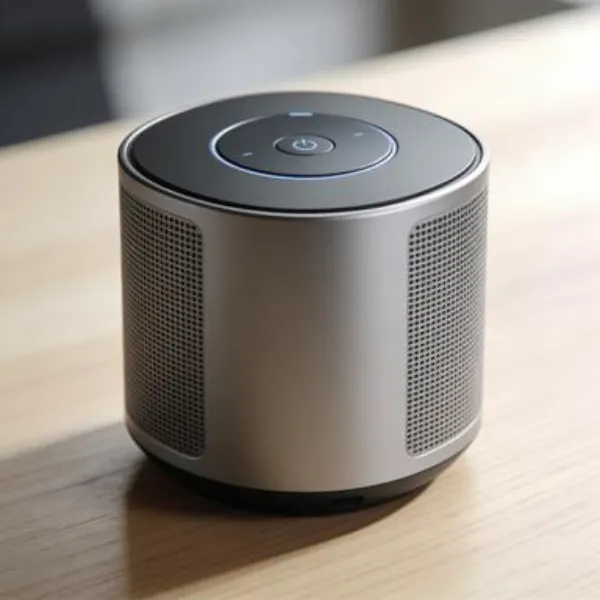
Wireless home cinema systems are increasingly popular, and for good reason. These systems offer a lot of flexibility, ease of setup, and a cleaner, more organized look. If you're thinking about upgrading your home theater, here's why you might want to go wireless.
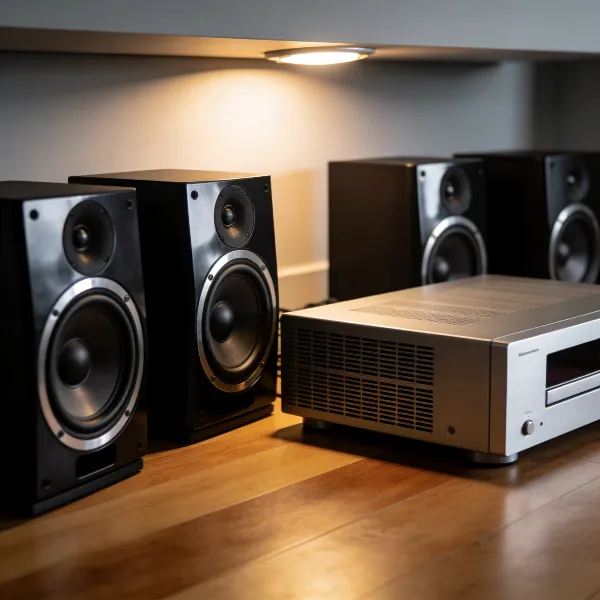
Why Choose a Home Cinema System with Wireless Speakers
Less Cable Clutter
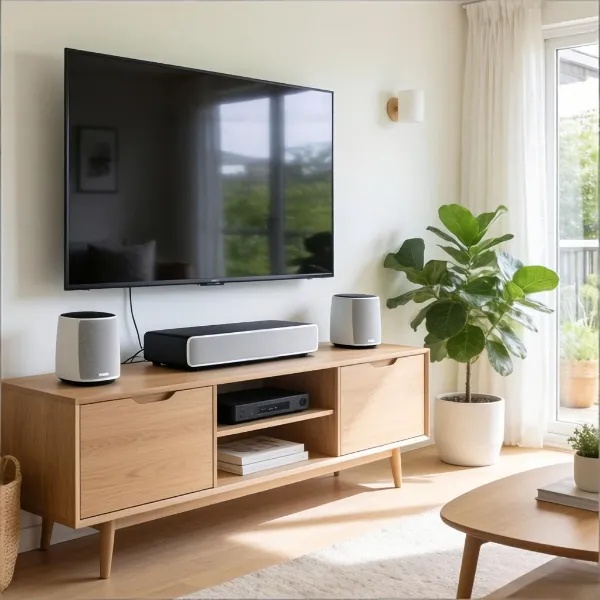
One of the biggest advantages of wireless speakers is the elimination of tangled cables. With no need to run wires across your room, your setup will look sleek and uncluttered. This is particularly helpful in modern homes where aesthetic and cleanliness are important, and you don't want visible cables disrupting the view.
Easier Setup in Most Rooms
Wireless speakers are simpler to set up than traditional wired ones. You don't need to worry about routing cables under furniture or drilling holes in walls. This makes wireless systems perfect for most rooms, whether you have a small living space or an oddly shaped area that doesn't lend itself to traditional speaker placement.
Better Flexibility for Surround Sound Placement
Without the restrictions of wires, you have more options for speaker placement. Whether you're setting up a surround sound system in your living room or a full-blown home theater, wireless speakers let you place them wherever sounds will be most immersive. You can even experiment with positions for the best possible experience.
What to Look for in a Wireless Home Cinema System
When shopping for the best wireless home cinema system, it's important to consider a few factors to make sure you get the most out of your investment. Here's what to keep in mind when choosing a system that's right for you.
True Wireless Surround or Partly Wireless Setup
You'll see two main types of wireless setups: true wireless and partly wireless systems. True wireless systems have no physical connection between the speakers, offering a clean, cable-free look. Partly wireless systems may still require a wired connection for the subwoofer or some other components. Choose the setup that best fits your needs in terms of both functionality and aesthetics.
Dolby Atmos and Surround Sound Support
To get the most immersive experience, look for systems that support Dolby Atmos. This technology adds a 3D layer of sound, making you feel like the audio is coming from all around you—ideal for watching movies or gaming. Surround sound support is essential to create a rich, cinematic atmosphere at home.
Room Calibration and App Control
Many wireless home cinema systems come with features like automatic room calibration, which adjusts the sound based on the layout of your space. App-based controls are another handy feature, allowing you to adjust sound settings from your smartphone. This level of customization helps fine-tune the system for the best possible sound in any room.
TV and Device Compatibility
Before purchasing a system, ensure it will work with your current devices, such as your TV, streaming box, or gaming console. Most modern wireless systems connect easily to most devices, but it's always a good idea to double-check that everything is compatible.
What to Consider Before You Buy
Buying a wireless home cinema system can be exciting, but there are some important factors to consider before you make your decision. Here's what you need to think about to ensure you get a setup that works for your home.
Power Outlet Placement
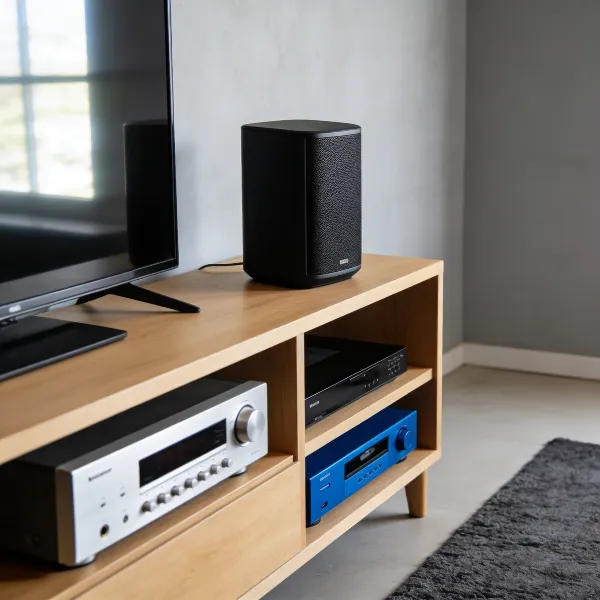
While your speakers may be wireless, they still need power. Be sure you have enough power outlets near where you plan to place your speakers. If outlets are limited, you might need to use power strips or extension cords, so it's best to plan ahead to avoid any complications.
Room Size and Speaker Layout
The size and layout of your room will impact the system's performance. Smaller rooms don't need powerful systems, while larger rooms may require a more robust setup to ensure the sound fills the space. Think about your room's acoustics, layout, and how you want to place your speakers to get the best sound.
Budget and Upgrade Options
Wireless systems come in a wide range of prices. It's important to figure out your budget and choose a system that gives you the features you need. Some systems also offer the option to add more speakers or upgrade to higher-quality components later, so keep future expansion in mind if you think you'll want to improve your setup down the road.
How to Set Up a Wireless Home Cinema System
Getting your wireless home cinema system set up correctly is key to getting the best sound experience. Here's a simple guide to help you set up your system like a pro.
Place the Speakers in the Right Positions
Proper speaker placement is essential for achieving the best sound. Start by placing your front speakers at ear level, and place your subwoofer in a corner for the best bass response. For surround sound, put the rear speakers behind your seating area. The better your speaker placement, the more immersive your audio will be.
Connect and Calibrate the System Properly
Even though the speakers are wireless, you'll still need to connect them to the central unit or receiver. Follow the setup instructions carefully. Many systems come with automatic calibration features that adjust the sound for your room, but you might also need to make some manual tweaks to get everything just right.
Fine-Tune the Sound for Your Room
Once everything's set up, take some time to adjust the system's sound. Wireless home cinema systems often come with mobile apps or remote controls that let you fine-tune speaker volumes, bass levels, and other settings. This is especially important if your room has hard surfaces or unusual acoustics.
Common Mistakes to Avoid
Setting up a wireless home cinema system can seem easy, but there are a few common mistakes to avoid to ensure you get the best sound and performance.
Confusing Wireless with Cable-Free
Even though the speakers are wireless, they still need power. This means you'll still need to plug them into power outlets. Don't be fooled into thinking you can completely eliminate cables, but with wireless systems, the audio connection itself is cable-free.
Ignoring Room Layout
Room layout can significantly affect the sound quality. Be sure to think about where to place your speakers and make sure they're not obstructed by furniture or walls. For the best sound, avoid placing speakers in corners or too close to walls.
Choosing Features You Will Not Use
Wireless home cinema systems often come with a lot of features. While it's tempting to choose the system with the most gadgets, it's important to focus on what you actually need. For example, if you don't plan on using an app to control your system, you can save money by choosing a simpler model.
Conclusion
Choosing a wireless home cinema system is a great way to enhance your home entertainment experience. These systems offer flexibility, easy setup, and the convenience of no messy cables. By selecting the right system, setting it up correctly, and avoiding common mistakes, you'll enjoy immersive sound and a hassle-free home theater. Whether you're watching movies or hosting a family movie night, a wireless home cinema system will transform the way you experience entertainment.