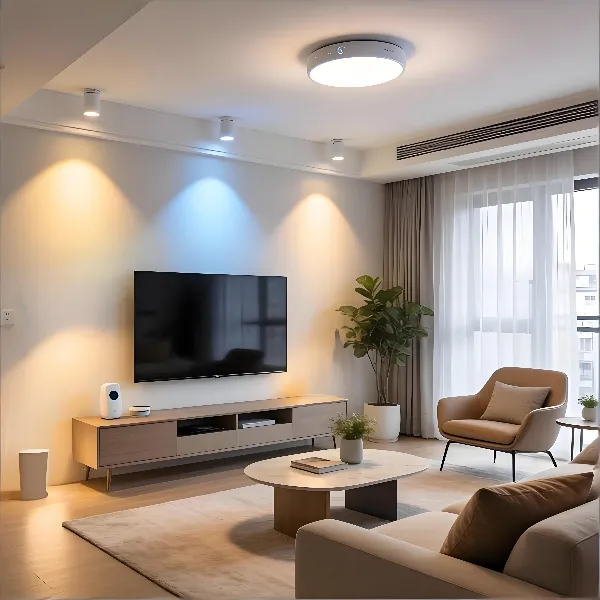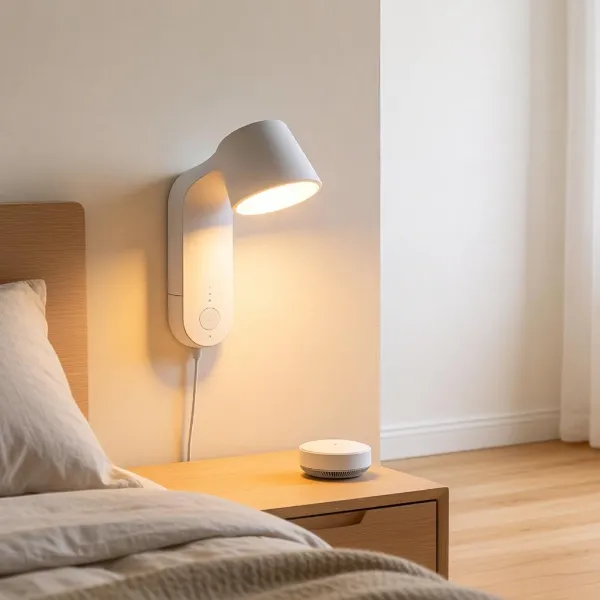
When selecting a smart bulb for your ceiling fan, it's crucial to consider your setup. The right bulb can bring convenience, energy savings, and create the perfect ambiance, all while fitting your specific needs.
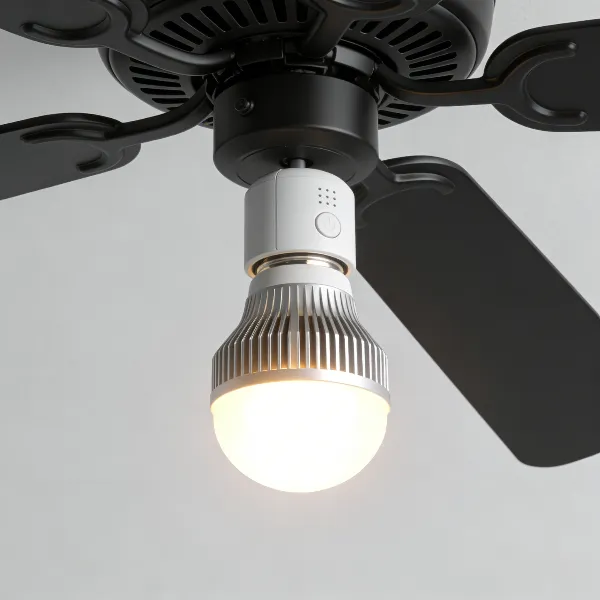
Best Smart Bulbs for Different Ceiling Fan Setups
Best Overall
For the best all-around performance, the Philips Hue White and Color Ambiance smart bulb is a standout. It offers a perfect balance of quality and versatility for ceiling fans, with a full range of brightness and colors. It integrates well with voice assistants like Amazon Alexa and Google Assistant, allowing you to control the light from anywhere in the room.
- Adjustable Brightness & Colors: Choose from thousands of colors and dim to any level of brightness.
- Smart Home Compatibility: Easily connects to Alexa, Google Assistant, and Apple HomeKit.
- Energy Efficient: Enjoy great lighting without running up your electricity bill.
Best for Smaller Fixtures
If you're working with a smaller ceiling fan fixture, the LIFX Mini smart bulb is a top choice. Compact but powerful, this bulb doesn't require a hub and is ideal for tight spaces where larger bulbs won't fit.
- Space-Saving Design: Perfect for smaller fixtures with limited space.
- Vibrant Colors: Offers millions of colors and adjustable white light.
- No Hub Required: Simple installation and control from your smartphone.
Best for Color Lighting
For those who love vibrant, customizable lighting, the Nanoleaf Essentials A19 smart bulb is a great pick. It supports a full spectrum of colors and can brighten any ceiling fan fixture, whether you're hosting a party or creating a cozy atmosphere.
- Full RGB Range: Over 16 million colors to choose from.
- Bright and Colorful: Emits up to 1100 lumens of vibrant light.
- Voice-Controlled: Works seamlessly with Alexa and Google Assistant.
Best Premium Option
Looking for a premium smart bulb with advanced features? The Sengled Smart LED Bulb offers top-tier performance, including motion detection, high energy efficiency, and great color accuracy. It's perfect for those who want more than just basic lighting.
- Advanced Features: Includes motion sensors and customizable scheduling.
- High Brightness: Provides excellent illumination while conserving energy.
- Long-Lasting Durability: Built for longevity with superior materials.
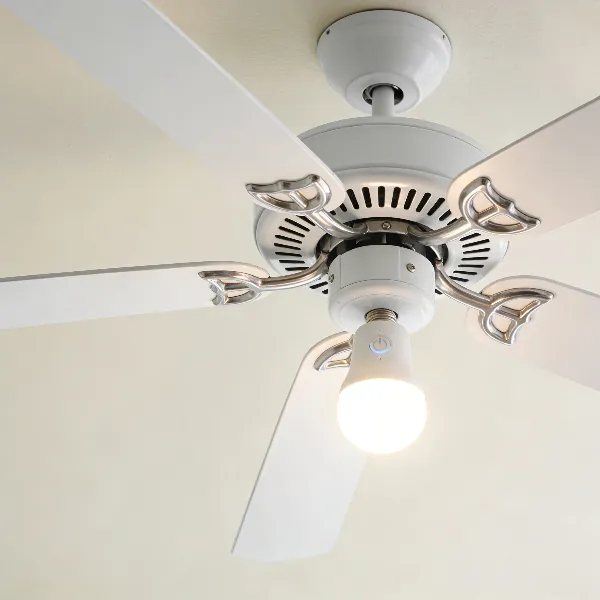
What to Check Before Using Smart Bulbs in a Ceiling Fan
Before installing smart bulbs, there are a few important factors to keep in mind to ensure everything works smoothly and safely. From bulb size to switch compatibility, here's what to consider.
Base Size and Bulb Shape
Ensure that the bulb's base and shape are compatible with your ceiling fan fixture. Most ceiling fans use E26 (medium) or E12 (candelabra) bases. The shape of the bulb also matters, as a bulb that's too large might not fit, or could obstruct airflow.
- Base Size: Double-check whether your fixture requires an E26 or E12 base for a secure fit.
- Shape Compatibility: Some fans require globe, A-line, or other specific shapes. Make sure the bulb you choose will fit comfortably.
Wall Switch and Dimmer Compatibility
Many ceiling fans use wall switches or dimmers to adjust lighting. Some smart bulbs may not work well with dimmer switches, causing flickering or malfunction. If your fan has a dimmer, make sure the bulb is labeled as dimmer-compatible.
- Dimmer Compatibility: Choose bulbs that work with dimmers to avoid flickering or malfunction.
- Manual Control: If you prefer using a traditional switch, ensure the bulb can be controlled directly from the wall switch.
Brightness and Fixture Limitations
Every fixture has a limit for how bright the bulb can be. It's important to pick a smart bulb that offers the right level of brightness without exceeding the fixture's capacity. Overloading the fixture can cause damage or affect performance.
- Lumens: Ceiling fan bulbs typically range from 800 to 1600 lumens. Choose the one that provides enough light for your space.
- Check Fixture Specs: Make sure your fixture can handle the wattage and brightness of the chosen smart bulb.
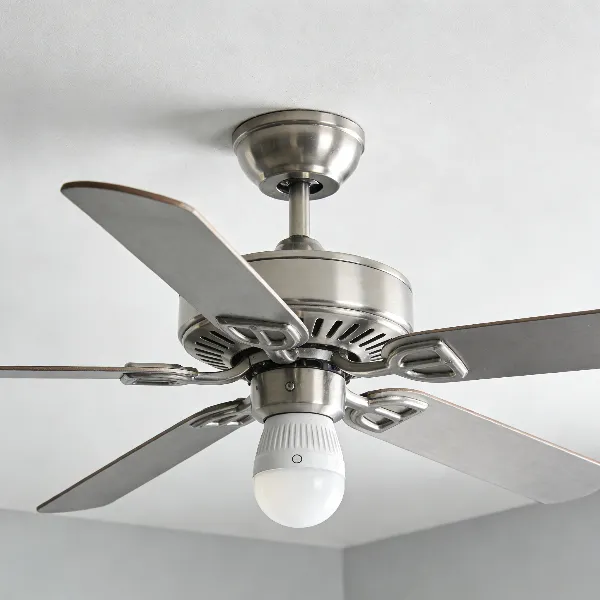
Key Features to Look for in Smart Bulbs for Ceiling Fans
Smart bulbs come with a variety of features that can make your life easier. Whether you're looking for something with color control, energy efficiency, or voice control, these are the top features to consider.
Voice Control and App Control
One of the biggest advantages of smart bulbs is the ability to control them via voice or app. Voice control offers convenience, especially when you're across the room or your hands are full. Plus, many bulbs come with a dedicated app for seamless control.
- Voice Assistance: Works with Alexa, Google Assistant, and Apple HomeKit for hands-free control.
- Smartphone App: Control your lighting remotely via the manufacturer's app.
Dimming and Color Options
Whether you're reading, watching a movie, or hosting a dinner party, dimming and color options let you adjust the lighting to fit the moment. Many smart bulbs also allow you to change the color temperature, from warm to cool, for added versatility.
- Dimming Capabilities: Most smart bulbs allow you to adjust the brightness from a soft glow to full brightness.
- Color Temperature: Change between warm, cool, or daylight colors depending on your needs.
Wi-Fi, Bluetooth, or Hub Support
Depending on your home network setup, you can choose from bulbs that connect via Wi-Fi, Bluetooth, or require a hub. Consider the system you already have in place and pick a bulb that integrates easily with your existing technology.
- Wi-Fi: Great for easy setup without needing a hub.
- Bluetooth: More limited in range but still a simple, cost-effective option.
- Hub Support: Some systems, like Philips Hue, work best with a hub but offer additional features.
Energy Use and Brightness Levels
When choosing a smart bulb, look at its energy efficiency and brightness level. Smart bulbs are designed to save energy while providing bright, even lighting. But it's important to compare the energy consumption (in watts) with the light output (in lumens).
- Energy Efficient: Look for bulbs that are Energy Star rated for better energy savings.
- Brightness Range: Choose a bulb that provides enough brightness for your space, typically between 800 and 1600 lumens.
How to Choose the Right Smart Bulb for Your Ceiling Fan
Picking the best smart bulb for your ceiling fan requires more than just looking at wattage. Here's how to find the right bulb for your needs.
Match the Bulb Base and Size
First, check the size and base type of your fixture. Ceiling fans typically use E26 or E12 base sizes. Additionally, make sure the bulb will fit in the available space without obstructing the fan's operation.
- Fixture Compatibility: Ensure the bulb fits the fan fixture and has the appropriate base.
- Size Matters: Opt for smaller bulbs for compact spaces.
Check Switch and Dimmer Setup
If you use a wall switch or dimmer, ensure your smart bulb can work with it. Some bulbs don't respond well to dimmers, causing flickering or unstable operation.
- Dimmer-Friendly Bulbs: Choose bulbs designed to work with dimmer switches.
- Switch Control: Verify that the bulb can be controlled via the wall switch if you prefer manual control.
Choose the Features You Will Actually Use
While smart bulbs offer many features, it's important to pick the ones that suit your needs. Don't overspend on features you won't use. Focus on basic voice control, dimming, or color-changing capabilities if they're essential to you.
- Essential Features: Voice control and dimming are helpful for most users.
- Advanced Features: Choose additional features like scheduling or motion detection only if you need them.
Common Problems and How to Avoid Them
Although smart bulbs are incredibly useful, they can come with their fair share of challenges. Here's a breakdown of common issues and tips for avoiding them.
Bulbs Going Offline After the Wall Switch Is Turned Off
A common issue with smart bulbs is that they go offline when the wall switch is turned off. This can be a hassle, as you won't be able to control the bulb until power is restored.
Solution: Use a smart switch that doesn't cut power to the bulb, or choose bulbs with memory functions that resume their last setting when powered back on.
Flickering with Dimmer Switches
If you have a dimmer switch, make sure the bulb you select is dimmer-compatible. Some smart bulbs may flicker or behave erratically when used with traditional dimmers.
Solution: Pick a bulb that explicitly states it works with dimmers, or replace your dimmer with one designed for smart bulbs.
Poor Fit in Smaller Ceiling Fan Fixtures
Smart bulbs are generally larger than traditional bulbs, so it's essential to ensure that your ceiling fan's fixture can accommodate them. Some smaller fixtures may not have enough space for larger bulbs.
Solution: Opt for compact smart bulbs like LIFX Mini or other smaller models specifically designed for tight spaces.
Conclusion
Smart bulbs for ceiling fans offer convenience, energy savings, and enhanced lighting options. Whether you're after dimming capabilities, voice control, or full-color lighting, there's a bulb out there for every need. By considering bulb base sizes, dimmer compatibility, and smart features, you can easily find the right bulb to upgrade your ceiling fan lighting setup.