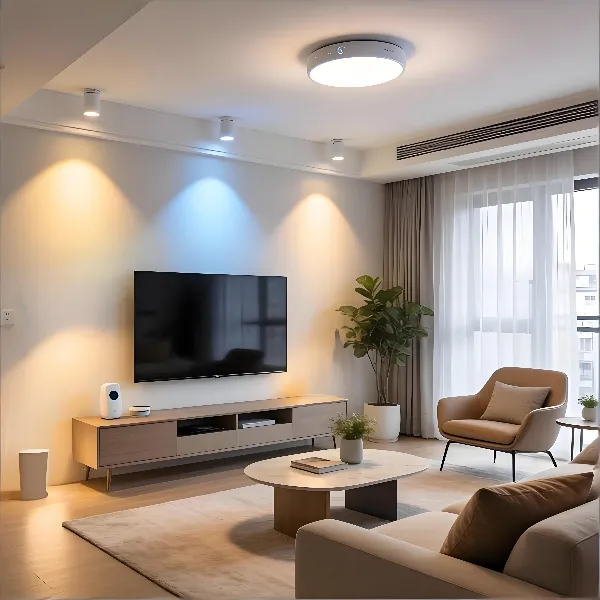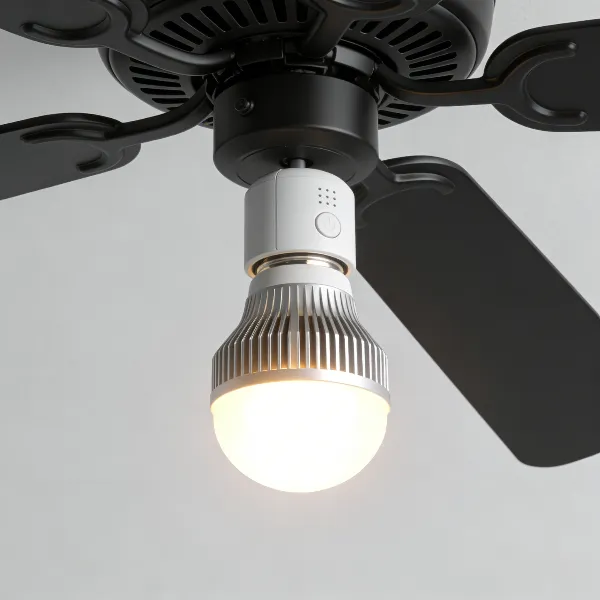
Smart lights are designed to bring convenience, allowing you to control your home's lighting just by using your voice. However, you might occasionally run into an issue where your smart light is unresponsive to Alexa.This can happen for various reasons—from simple mistakes like the light being off at the wall switch to more complex issues, such as outdated firmware. In this guide, we'll break down the most common reasons why your smart light might not be working with Alexa and walk you through easy steps to fix it.
Common Reasons Alexa Cannot Control Your Smart Light
Alexa offers a seamless smart home experience, but sometimes, things just don't work as expected. Below, we'll explore the most common reasons Alexa might not be able to control your smart light.
The light is off at the wall switch
One of the simplest and most overlooked reasons your smart light might not respond is because it's turned off at the wall switch. Many smart lights need to stay powered on at all times to communicate with Alexa. If the wall switch is off, Alexa cannot control the light. Make sure the switch is turned on to ensure that your light is powered and ready to respond to Alexa commands.
The Wi-Fi connection is weak or changed
A strong and stable Wi-Fi connection is crucial for Alexa and your smart light to communicate effectively. If your Wi-Fi is weak or if there has been a recent change (such as a router update or password change), Alexa might not be able to control your light. Ensure that both your smart light and Alexa device are connected to the same network and that the Wi-Fi signal is strong enough to support them.
The smart light or Alexa app has a setup error
If your light and Alexa aren't connecting properly, there might be a setup issue either with the smart light or the Alexa app itself. This could be due to incomplete pairing, incorrect settings, or errors in the app. Check that the smart light is correctly linked to Alexa and that the app is set up properly. If necessary, unlink and then re-link the device to reset the connection.
Firmware or skill updates are missing
Sometimes, outdated firmware or an outdated Alexa skill can cause your smart light to become unresponsive. Both smart lights and Alexa regularly receive firmware and skill updates that can fix bugs and improve performance. Make sure that both the Alexa app and your smart light are up to date to avoid potential issues.
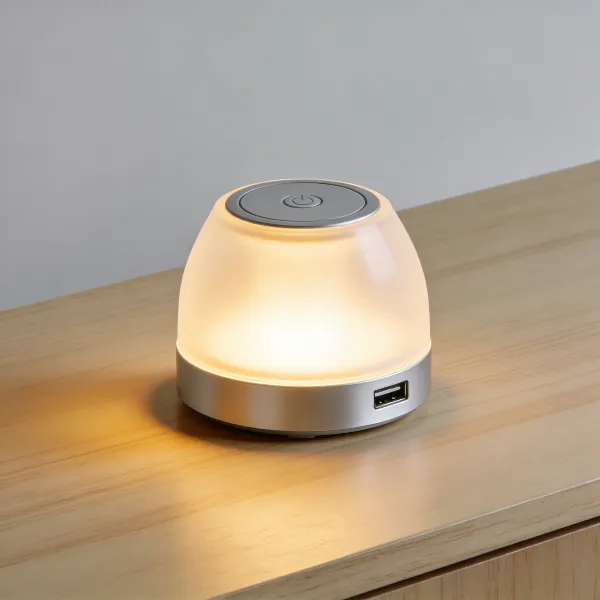
How to Fix an Unresponsive Smart Light with Alexa
If your smart light is still unresponsive, don't worry! Here are the steps to get your smart light working again with Alexa.
Turn the light back on at the switch
It may sound basic, but one of the first things to check is whether the light is actually powered on. Sometimes, people forget that the wall switch may be turned off, preventing the light from responding to Alexa. Flip the switch to the "on" position, and try using Alexa to control the light again.
Check the light in the manufacturer app
Next, open the manufacturer's app (like Philips Hue, LIFX, or TP-Link Kasa) to check if the light works there. If the light works in the app but not with Alexa, the issue is likely with the Alexa integration. You may need to unlink and then re-add the device to Alexa to fix the problem.
Restart the light and your router
If everything seems fine with the switch and the app, try restarting both the smart light and your router. This can help resolve any temporary connectivity issues. Simply unplug the light, wait about 10 seconds, and then plug it back in. Similarly, reboot your router to ensure your network is stable.
Remove and add the device again
If restarting doesn't work, you may need to remove and then re-add your smart light to the Alexa app. Go into the app, find the device in your list, and select "Forget Device." After that, follow the prompts to add the device back to Alexa.
Reset the smart light if needed
If all else fails, you may need to reset your smart light to restore its functionality. The reset process varies depending on the brand, but it usually involves turning the light off and on in a specific sequence. After resetting, try pairing the light with Alexa again.
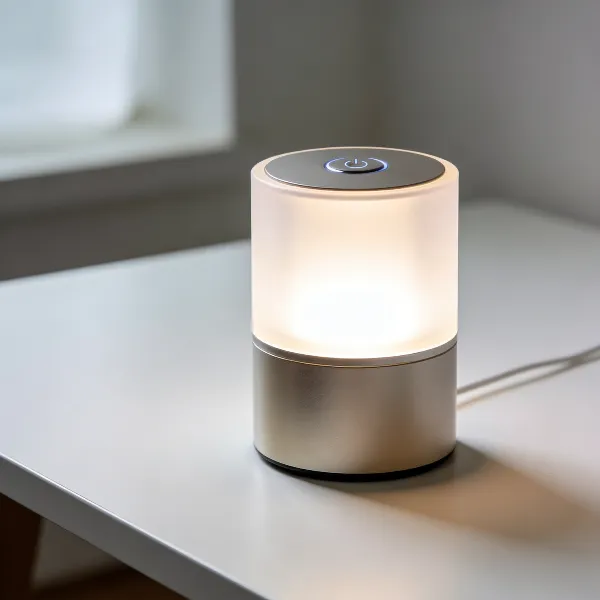
What to Do If the Light Still Does Not Work
If you've tried all the steps above and your light is still unresponsive, there are a few more things to check before giving up.
Check if Alexa can see the device
Even if the light works fine in the manufacturer app, Alexa might not be able to detect it. Check in the Alexa app to see if the device is listed under "Devices." You can also ask Alexa to find the device. If Alexa can't see the light, you may need to re-discover it.
Test the light with another voice command
Sometimes, a single command can be the problem. If your light is visible in the app, but Alexa still can't control it, try using a different voice command. For example, instead of saying, "Turn on the light," try, "Alexa, set the light to 50% brightness." This will help determine if the issue is with a particular command.
Look for app or server issues
Occasionally, Alexa or your smart light may experience service disruptions or bugs due to server issues. Check the Alexa app's status page to see if there are any ongoing outages. If there is an outage, you may need to wait for it to be resolved before trying again.
Contact the brand for support
If nothing works, it might be time to contact the manufacturer's customer support team. They can offer troubleshooting advice, check if there's a hardware issue, or guide you through more advanced fixes.
How to Avoid Alexa Smart Light Problems
To prevent these issues in the future, here are some tips to keep your smart light and Alexa working smoothly.
Keep the light connected to stable Wi-Fi
A stable and reliable Wi-Fi connection is key to ensuring that Alexa can control your smart light without issues. If your Wi-Fi signal is weak or inconsistent, consider investing in a better router or a Wi-Fi extender to ensure that all of your smart devices stay connected.
Leave power going to the bulb
Smart lights rely on continuous power to remain connected. If you frequently turn the power off at the wall switch, this can disrupt the connection. Always keep the light powered on so that Alexa can control it when needed.
Update the app firmware and Alexa skill
Ensure that both the Alexa app and your smart light's firmware are updated regularly. Most smart lights offer automatic updates, but it's still a good idea to check manually from time to time. An up-to-date app and firmware help prevent bugs and ensure that everything is functioning properly.
Use clear names for each light
Make sure each smart light in your home has a unique, easily identifiable name. This will help Alexa recognize the light more easily and prevent confusion when you issue commands. For example, use "Living Room Light" or "Kitchen Lamp" instead of generic names like "Light 1" or "Lamp."
Conclusion
If a smart light doesn't respond to Alexa, there are actually many simple ways to get it working again. From ensuring the light is powered on at the wall switch to checking for Wi-Fi issues or firmware updates, these simple troubleshooting steps can restore functionality. By following the tips outlined in this guide, you'll ensure that your smart light works seamlessly with Alexa, making your home smarter and more convenient.