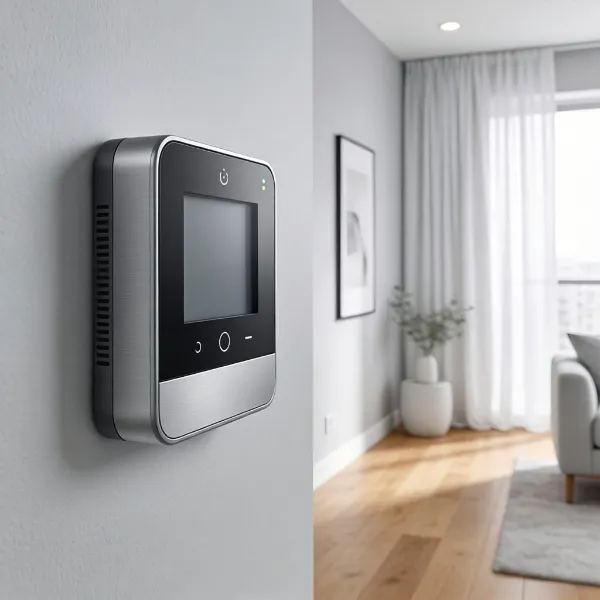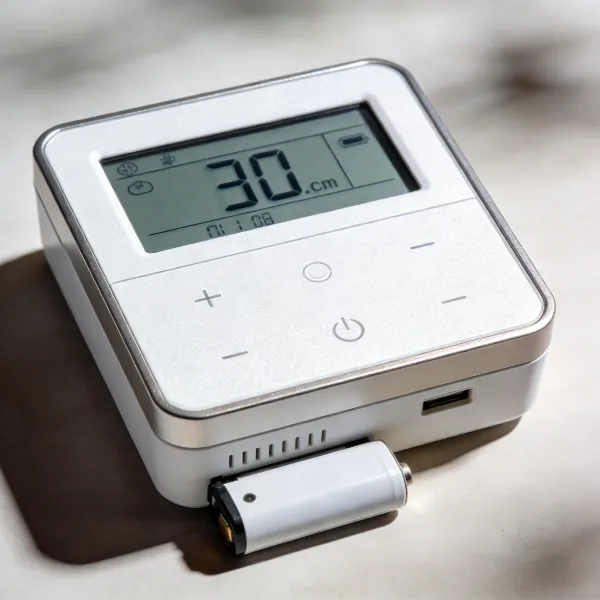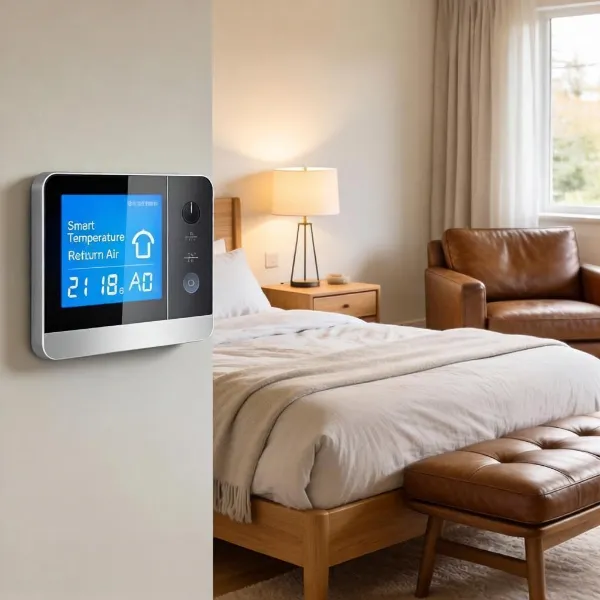
Smart thermostats are changing the way we manage our home’s temperature and energy use. These innovative devices not only keep your home comfortable but also help reduce your utility bills. If you're curious about how a smart thermostat works, you're in the right place! We'll explore how these devices save you money, the different types available, and how easy it is to set them up in your home.
Types of Smart Thermostats
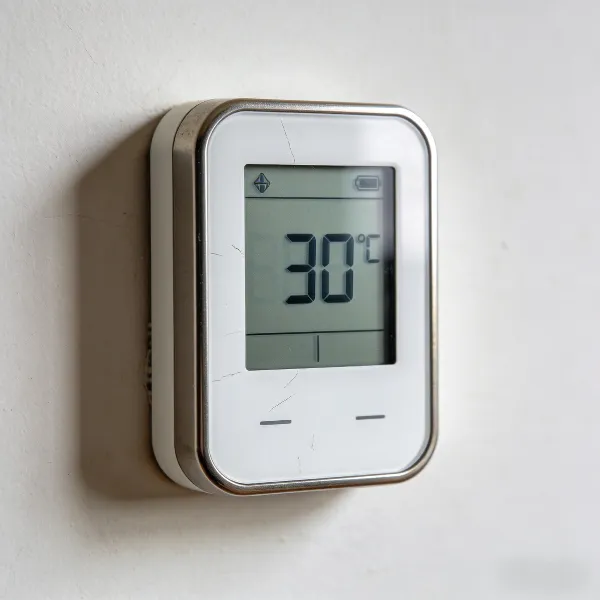
When it comes to smart thermostats, two main types stand out: learning and non-learning models. Let’s break down the differences to help you choose the best one for your needs.
Learning Thermostats
Learning thermostats, like the Nest Learning Thermostat, automatically adapt to your lifestyle. These devices "learn" your preferences over time, adjusting the temperature based on when you're home, when you're away, and even when you sleep.
For example, if you prefer a cooler home at night and a warmer one during the day, the thermostat will learn these patterns and automatically adjust the temperature to suit you. Over time, this can lead to substantial energy savings, as it eliminates the need for manual adjustments.
Non-Learning Thermostats
Non-learning thermostats are a simpler and more affordable option. These smart devices don’t adapt to your habits, but they still allow for remote control through your phone or a smart speaker like Amazon Alexa or Google Assistant.
You can program them to adjust the temperature based on your schedule, but they won’t learn your preferences. If you want smart features without the price tag, a non-learning thermostat might be a great choice.
How a Smart Thermostat Works
Now, let’s dive into how smart thermostats work and why they’re so effective at saving you money while keeping your home comfortable.
Wi-Fi Connectivity for Remote Control and Communication
A key feature of smart thermostats is their ability to connect to Wi-Fi. This lets you control your home’s temperature from anywhere using a smartphone app. Whether you’re on your way home from work or vacation, you can adjust your thermostat to the perfect temperature before you even walk in the door.
Wi-Fi connectivity also allows your thermostat to communicate with other smart home devices. For example, it can work with smart lights and appliances to optimize energy use across your home.
Built-in Sensors That Monitor Temperature and Occupancy
Smart thermostats are equipped with temperature sensors that constantly monitor your home’s temperature. These sensors ensure the thermostat makes accurate adjustments based on real-time conditions, so your home stays comfortable without wasting energy.
Many models also feature occupancy sensors, which detect when you’re in or out of a room. For example, if you leave a room, the thermostat might automatically lower the temperature in that area, saving energy.
Learning Your Preferences for Automated Adjustments
The smartest thermostats learn your preferences over time. They track the times you typically wake up, go to bed, leave for work, and come home. Based on these patterns, they adjust the temperature to match your comfort level.
As you continue using the thermostat, it becomes more accurate in predicting your needs, saving energy and optimizing comfort without you having to do anything.
Geofencing for Location-Based Temperature Control
Geofencing is a feature that lets your thermostat automatically adjust the temperature based on your location. Using your phone’s GPS, the thermostat can detect when you’re approaching or leaving your home and make adjustments accordingly.
For example, it might lower the temperature when you leave for work, and then start warming up your home as you get closer to your front door. This feature eliminates the need to manually adjust your thermostat every time you leave or return home.
HVAC System Control for Efficient Heating and Cooling
Smart thermostats work directly with your home’s HVAC system to control how your heating and cooling functions. These thermostats optimize energy use by adjusting your system’s cycles and fan speeds.
For example, it can extend the cooling cycle or make minor adjustments to keep your home at the perfect temperature while avoiding unnecessary energy use. This leads to lower energy bills and a more efficient HVAC system overall.
Smart Thermostat Benefits
There’s a lot to love about smart thermostats. From saving money to increasing comfort, here are some of the top benefits of using one.
Energy Savings
By adjusting the temperature based on your schedule and preferences, smart thermostats reduce energy waste. They make sure your HVAC system isn’t running when it doesn’t need to, cutting down on unnecessary heating or cooling.
The savings on your energy bills can be significant over time. In fact, many people see a return on their investment in just a few months, depending on their usage.
Increased Comfort and Convenience
With a smart thermostat, you don’t have to worry about constantly adjusting the temperature. Whether you’re at home or away, the thermostat ensures your home stays at the ideal temperature.
Features like voice control and smartphone apps make it super easy to manage your thermostat. Want to warm up the house before you get home? Just use your phone to change the settings remotely. It’s all about convenience and comfort!
Easy-to-Use Features and Remote Management
Most smart thermostats come with intuitive mobile apps that allow you to control settings with ease. You can set schedules, check energy usage, and receive maintenance reminders, all from the app on your phone.
Even if you don’t want to use the app, you can still control the thermostat with voice commands, thanks to integration with smart home assistants like Amazon Alexa and Google Assistant.
How to Set Up a Smart Thermostat
Getting your smart thermostat up and running is easier than you might think. Here’s a simple guide to help you set it up in no time.
Turn Off Power and Label Wires
Before starting, make sure to turn off the power to your HVAC system. This is a crucial safety step. Once the power is off, label the wires on your old thermostat so you’ll know where to connect them on the new device.
Install the Thermostat Baseplate
Next, install the baseplate of your new thermostat. Make sure it’s level and securely fastened to the wall before moving on to the wiring.
Connect Wires and Set Up the App
After securing the baseplate, connect the labeled wires to the appropriate terminals on the new thermostat. Once everything is connected, power on the system. Follow the on-screen instructions to connect the thermostat to the mobile app. From there, you can customize your settings, program schedules, and manage your thermostat remotely.
Troubleshooting Common Smart Thermostat Issues
While smart thermostats are generally reliable, you may run into a few issues. Here's how to troubleshoot some of the most common problems.
Connection Problems
If your smart thermostat isn’t connecting to Wi-Fi, try restarting both the thermostat and your router. Make sure your network is stable and the thermostat is within range of your router. If the issue persists, check for software updates or reset the thermostat to factory settings.
Incorrect Temperature Readings
If the thermostat is showing the wrong temperature, it could be due to sensor placement or dirt on the sensor. Make sure the thermostat is installed away from heat sources, such as vents or direct sunlight, to avoid incorrect readings.
Conclusion
A smart thermostat is an excellent investment for anyone looking to save money on energy bills while keeping their home comfortable. With features like Wi-Fi connectivity, learning algorithms, and geofencing, these devices offer a convenient, energy-efficient way to manage your home’s temperature. Whether you choose a learning or non-learning model, upgrading to a smart thermostat is a smart choice for your home and your wallet.