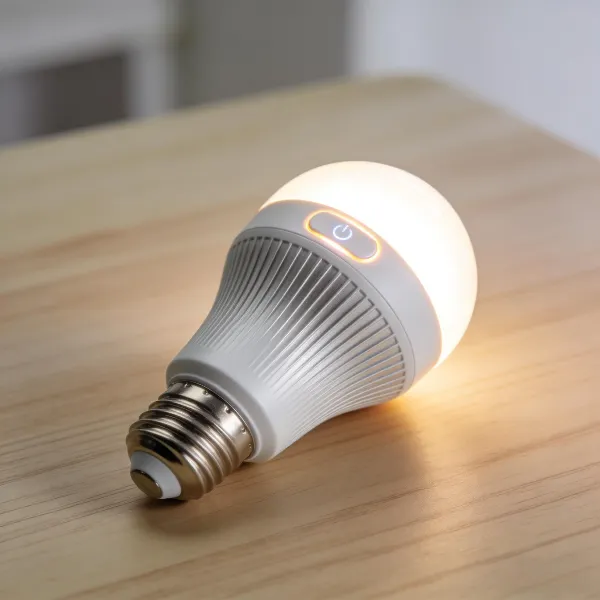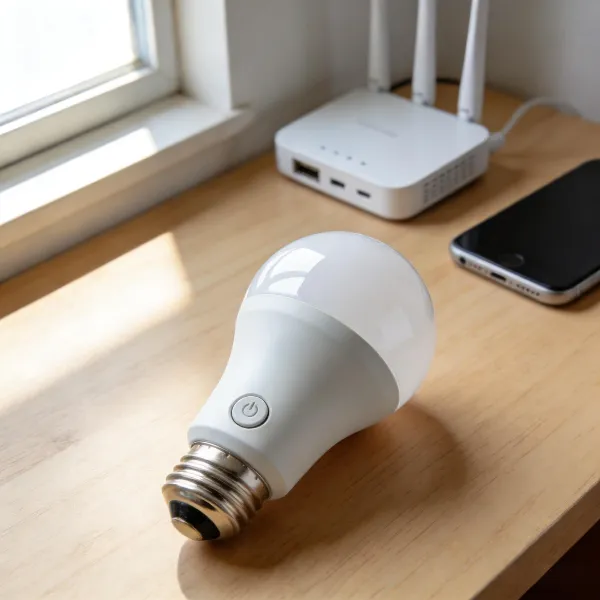
If you're looking to enhance your smart home with better lighting, you’re in the right place! As Google Home continues to improve, the options for compatible smart bulbs have exploded in 2026. Whether you’re searching for budget-friendly bulbs or want a premium option, this guide has something for everyone. We’ll break down the best smart bulbs for Google Home, explore their features, and help you pick the one that fits your needs.
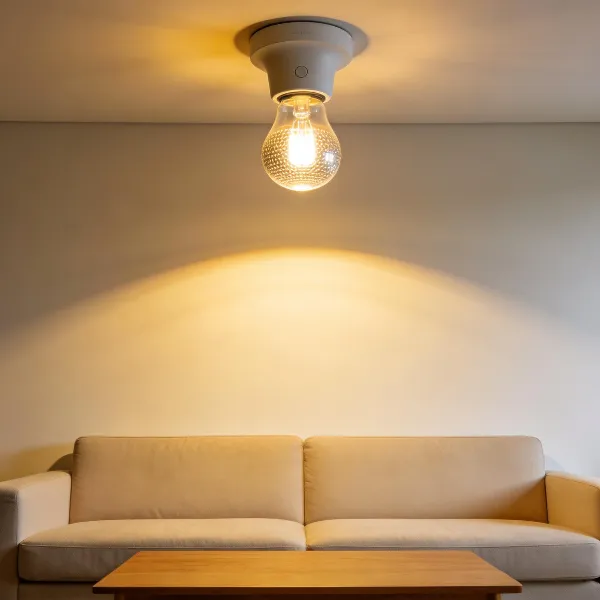
Features to Look for in Smart Bulbs for Google Home
When selecting the best smart bulbs for Google Home, there are a few essential features you’ll want to consider. These will ensure that you get the best performance, ease of use, and future-proofing for your smart home.
Connectivity
The connection type is crucial when choosing your smart bulbs. Many bulbs connect through Wi-Fi, while others use Zigbee or Thread. The most reliable connection will depend on your existing setup. Wi-Fi bulbs are easy to install and connect, while Zigbee and Thread offer enhanced stability, especially for larger setups with multiple devices.
Brightness, Lumens, and Lighting Quality
Look for bulbs with at least 800 lumens for a bright, well-lit space. You’ll want a bulb that provides sufficient brightness, whether you need it for reading or setting a mood. Also, pay attention to the Color Rendering Index (CRI)—this measures how accurately a bulb displays colors. A higher CRI means the light will look more natural.
Matter Protocol Compatibility
Matter is the new industry standard for smart home devices. It ensures that your bulbs can communicate across platforms (Google Home, Amazon Alexa, Apple HomeKit). Future-proofing your home means getting bulbs that support Matter, ensuring they’ll stay compatible as new tech arrives.
Google Home Integration and Control
Of course, for a truly smart experience, you want seamless control with Google Home. This means that your bulbs should work flawlessly with Google’s assistant for voice commands and automation via the Google Home app. Make sure your chosen bulbs integrate easily without any complicated setup processes.
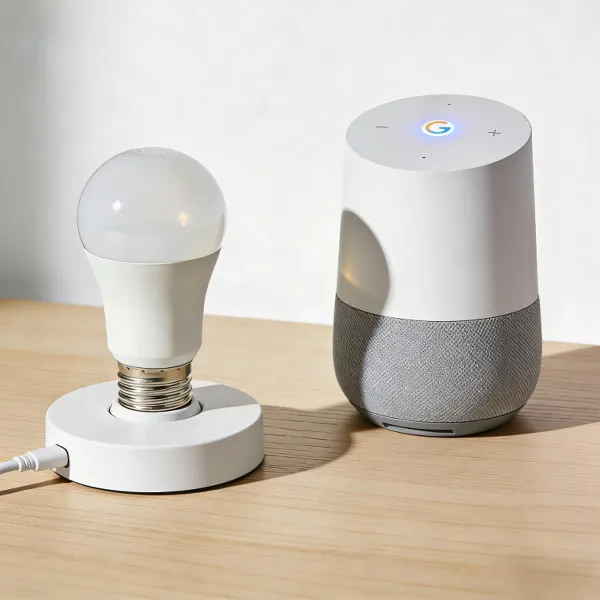
Best Smart Bulbs for Google Home in 2026
There are many great smart bulbs out there, but these top picks stand out for their combination of performance, features, and price.
Govee Kasa
For a blend of affordability and functionality, Govee Kasa smart bulbs are a fantastic choice. These bulbs provide bright, vivid colors and allow for easy customization through the Google Home app. You can also control them using the Kasa Smart app, giving you even more flexibility in setting schedules or creating scenes. Their budget-friendly price doesn’t sacrifice quality, making them a solid choice for most users.
Philips Hue
Philips Hue has been a leader in the smart lighting market for years, and they’re still a top pick in 2026. Known for their rich color options, incredible brightness, and reliability, Philips Hue bulbs can be connected via Zigbee and offer full Google Home compatibility. If you want advanced features like syncing with music or creating custom lighting scenes, Philips Hue delivers in spades. Plus, they’re fully Matter-compatible, so you can integrate them with other smart home platforms.
WiZ Wyze
For those on a tight budget, WiZ and Wyze smart bulbs deliver impressive performance without the hefty price tag. These bulbs offer an easy setup through Google Home, and you can control them with voice commands or via the WiZ app. While they may not have the same advanced features as more premium options, they provide excellent value for everyday smart lighting needs.
Linkind TP-Link
Linkind bulbs from TP-Link bring affordable, reliable smart lighting that pairs perfectly with Google Home. They offer both Wi-Fi and Zigbee connectivity, ensuring a stable connection in larger setups. With great color options, customizable brightness, and energy-saving features, these bulbs are perfect for users who want smart lighting without the higher cost.
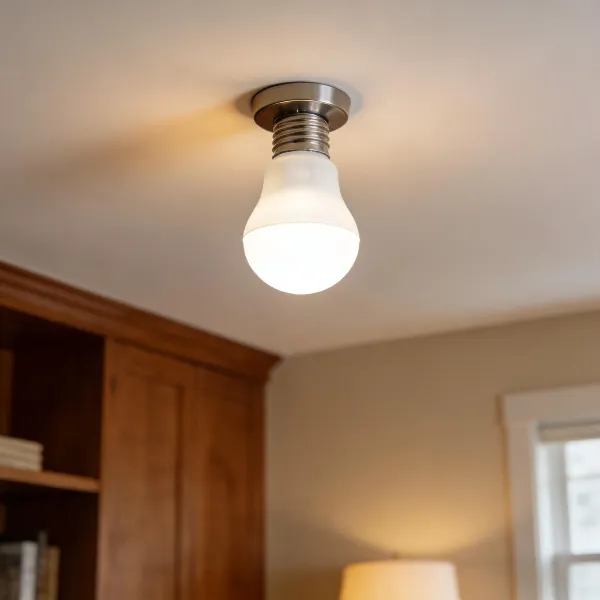
Setting Up Smart Bulbs with Google Home
Getting your smart bulbs connected to Google Home is a breeze. The setup process is simple, but it differs depending on whether you’re using Wi-Fi or Zigbee bulbs.
Wi-Fi Bulbs Govee Kasa Setup
Here’s how you can easily set up your Govee Kasa bulbs with Google Home:
- Download the Kasa Smart app on your smartphone.
- Connect the bulb to your Wi-Fi network following the app’s instructions.
- Open the Google Home app and tap on "Add."
- Choose “Set up device” and select “Works with Google.”
- Link your Kasa Smart account with Google Home.
- Follow the app’s prompts to place your bulb in a room and start controlling it with voice commands or the Google Home app.
Zigbee Thread Philips Hue Setup
Setting up Philips Hue bulbs requires a Hue Bridge, but once that’s in place, it’s smooth sailing:
- Plug in the Hue Bridge and connect it to your router.
- Power up your Hue bulbs and pair them with the Hue Bridge via the Philips Hue app.
- Open Google Home and navigate to “Works with Google” to link your Philips Hue account.
- Once paired, you’ll be able to control your Hue bulbs with ease, set up routines, and enjoy advanced features like syncing with music or movies.
Considerations for Smart Bulbs in Google Home Setup
Before you finalize your purchase, keep these important considerations in mind to make sure your setup is both functional and long-lasting.
Energy Efficiency
Energy-efficient bulbs save both money and the environment. Look for LED-based bulbs, which use a fraction of the energy compared to traditional incandescent bulbs. Many smart bulbs, like Philips Hue, offer energy-saving modes that help minimize your power usage.
Color Options and Customization
Smart bulbs come with a wide range of color options. If you want to set the mood, look for bulbs that offer full RGB color control. Bulbs like Govee Kasa allow you to create personalized scenes for movie nights, parties, or just relaxing at home. Customization gives you the power to match your lighting to your mood, making your home feel more comfortable and dynamic.
Conclusion
The best smart bulbs for Google Home in 2026 offer an amazing variety of features, from Matter compatibility to budget-friendly options that don’t compromise on performance. Whether you’re aiming for a premium setup like Philips Hue or simply need an affordable bulb to control with Google Home, there’s a smart bulb for everyone. Upgrade your lighting today and create a more efficient, comfortable, and enjoyable space with smart bulbs that seamlessly integrate into your Google Home system.