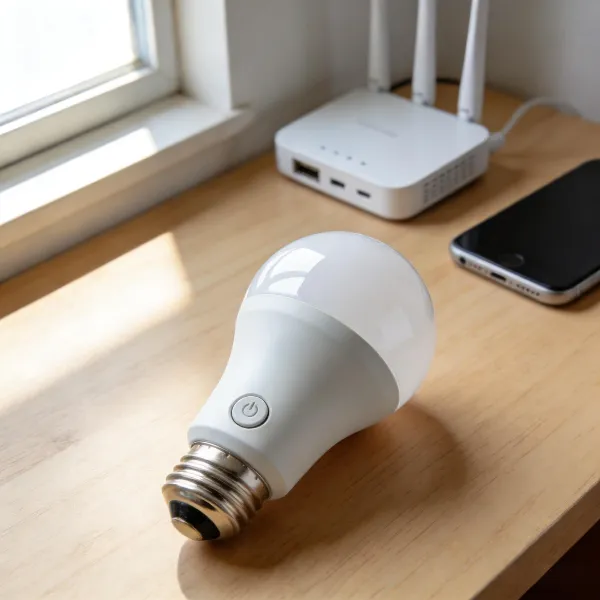
Smart bulbs have become a popular feature in many homes, offering the convenience of controlling lights remotely through apps or voice assistants. But here's a common question: do smart bulbs use electricity when off? The short answer is yes, but the good news is that it’s a small amount of power. This article breaks down how standby power works, what affects it, and how you can reduce the impact on your energy bill.
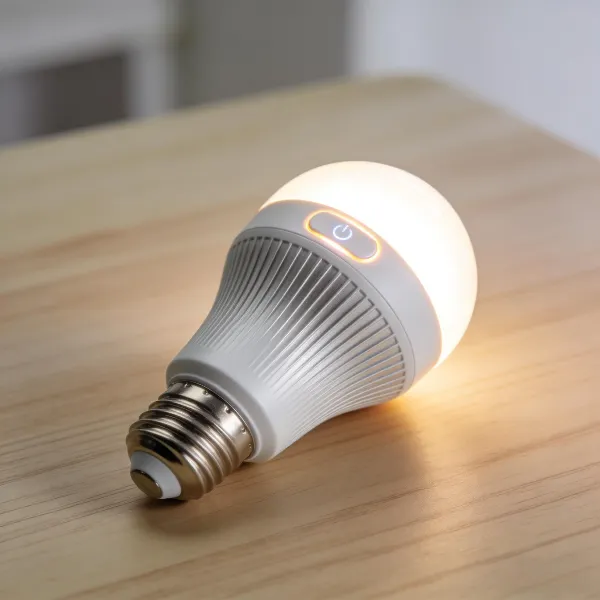
Factors That Affect Power Consumption When Off in Smart Bulbs
Even though your smart bulb may be turned off, it still consumes a bit of energy. To understand how much, you need to look at several factors that impact power usage when a bulb is not in use.
Type of Smart Bulb
Not all smart bulbs are created equal, and the amount of power they consume when off can vary significantly:
- Wi-Fi Enabled Bulbs: These bulbs stay connected to your router to receive remote commands, which means they’re always on standby. This constant connection uses more energy, even when the light itself is off.
- Bluetooth Smart Bulbs: These bulbs are generally more energy-efficient in standby mode. They rely on direct, short-range connections to your device, so they don’t need to stay online all the time.
- Zigbee and Z-Wave Bulbs: These bulbs use mesh networks, and while they still draw power for communication, their energy consumption tends to be lower compared to Wi-Fi bulbs.
Each bulb type has its own energy consumption profile, so choosing the right one for your needs can help you save power.
Connectivity Type
The way your smart bulb connects to your home network also affects how much energy it uses when off. Here’s a breakdown of the most common types:
- Wi-Fi and Mesh Network Bulbs: Bulbs that rely on Wi-Fi or mesh networks (like Zigbee or Z-Wave) maintain a continuous connection to your router or hub. This constant connectivity ensures they can be controlled remotely at any time, but it also means they consume a bit of power when turned off.
- Bluetooth Bulbs: These bulbs only use power when actively connected to a nearby device. They consume far less power in standby mode since they don’t need to stay connected to the internet.
The connectivity method impacts standby power, with Wi-Fi bulbs generally using more.
Additional Features and Functions
Some smart bulbs come with extra features that contribute to higher standby power usage:
- Color Changing Capabilities: Bulbs that can change colors often need extra power to keep those settings ready for immediate use.
- Motion Sensors: Many smart bulbs are equipped with motion sensors that keep them alert for movement, even when turned off. This helps them react quickly when motion is detected but also increases standby consumption.
- App Control and Schedules: If your bulb is connected to an app and set to turn on at specific times, it might consume more power in standby to stay ready for these commands.
Disabling unnecessary features can help cut down on power usage, especially when the bulb is not in use.
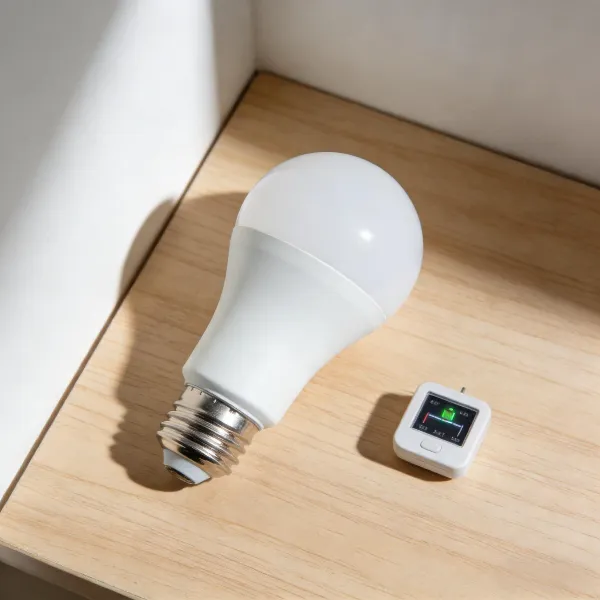
How to Minimize Power Usage While Keeping Your Smart Bulb Connected
While it’s hard to avoid some standby power usage with smart bulbs, there are several ways to reduce it without losing all the benefits of smart lighting.
Disabling Features That Consume Extra Power
Most smart bulbs come with features you might not always need. Turning off these features can significantly reduce power consumption:
- Disable color-changing functions unless you need them. Keeping your bulb set to a single color can cut down on standby power.
- Turn off motion sensors if you don’t need the bulb to be “always ready” to detect movement.
- Limit the use of automation schedules. If the bulb doesn’t need to be automatically turned on or off, turning off scheduling can save power.
By keeping only the essential functions enabled, you can prevent unnecessary energy drain.
Turning Off the Wall Switch vs Using App Control
One of the easiest ways to reduce power consumption is by controlling the power source directly. Here’s how to decide between using the wall switch or app control:
- Using the Wall Switch: Turning off the wall switch ensures the bulb gets no power at all, completely eliminating standby usage. However, it may require the bulb to reconnect to your smart home system when you turn it back on.
- Using App Control: When you turn off the bulb using your app, it remains in standby mode, continuing to consume a small amount of power to stay connected. While convenient, it’s not the most energy-efficient choice.
If you’re concerned about saving power, use the wall switch to cut off the energy completely when possible.
Using Smart Power Strips
A smart power strip can be a simple way to eliminate standby power consumption across multiple devices, including your smart bulbs. Here’s how it works:
- Convenience: You can control the power to multiple devices at once, using either your smartphone or voice assistant.
- Energy Savings: By cutting off power to your smart bulbs and other devices when not in use, you eliminate any vampire power (phantom load).
Smart power strips are a great way to ensure you’re not wasting power on idle electronics.
Are Smart Bulbs Worth the Energy Costs?
While smart bulbs may consume a bit of power when off, their overall energy savings during use often outweigh this. Here’s why they’re still a good investment:
Energy Efficiency Benefits of Smart Lighting
Smart bulbs are much more energy-efficient than traditional incandescent bulbs, especially in everyday use:
- Dimmability and Customization: Many smart bulbs allow you to adjust the brightness, which can save power by using just the right amount of light.
- Longer Lifespan: Smart bulbs, especially LEDs, last much longer than traditional incandescent bulbs. This reduces the frequency of replacements and lowers waste.
Even though they may consume a little standby power, their energy-saving features during use make them a smart choice in the long run.
Smart Bulbs vs Incandescent and LED Bulbs
Let’s compare smart bulbs to traditional incandescent and even non-smart LED bulbs:
- Incandescent Bulbs: These are far less energy-efficient than smart bulbs. They use more energy when turned on and don’t offer any of the customization features that smart bulbs do.
- LED Bulbs: While LED bulbs are already more efficient than incandescent ones, smart LEDs still outperform them in terms of energy efficiency during operation. Even though smart bulbs may have a higher standby consumption, their overall energy savings make them more cost-effective.
When considering long-term savings, smart bulbs are often the better choice for most households.
Conclusion
So, do smart bulbs use electricity when off? Yes, but the amount is minimal. Factors such as the type of bulb, its connectivity, and additional features influence how much power is consumed. While the power used in standby mode is small, it adds up over time. Fortunately, there are plenty of ways to reduce unnecessary consumption, such as disabling extra features, using wall switches, or investing in smart power strips. Despite the small standby power, smart bulbs still offer significant energy savings when used properly, making them a worthwhile addition to your home.